

Brilliant! Download it to your device now.
Click the button below to download the e-book.
Happy reading!
downloadHappy reading!
Create your announcement once in Kolay IK and send it to the whole company or to selected employees by email, push notification and the Kolay IK Feed. Plan it, preview it, send it.
TRY IT FREE NOW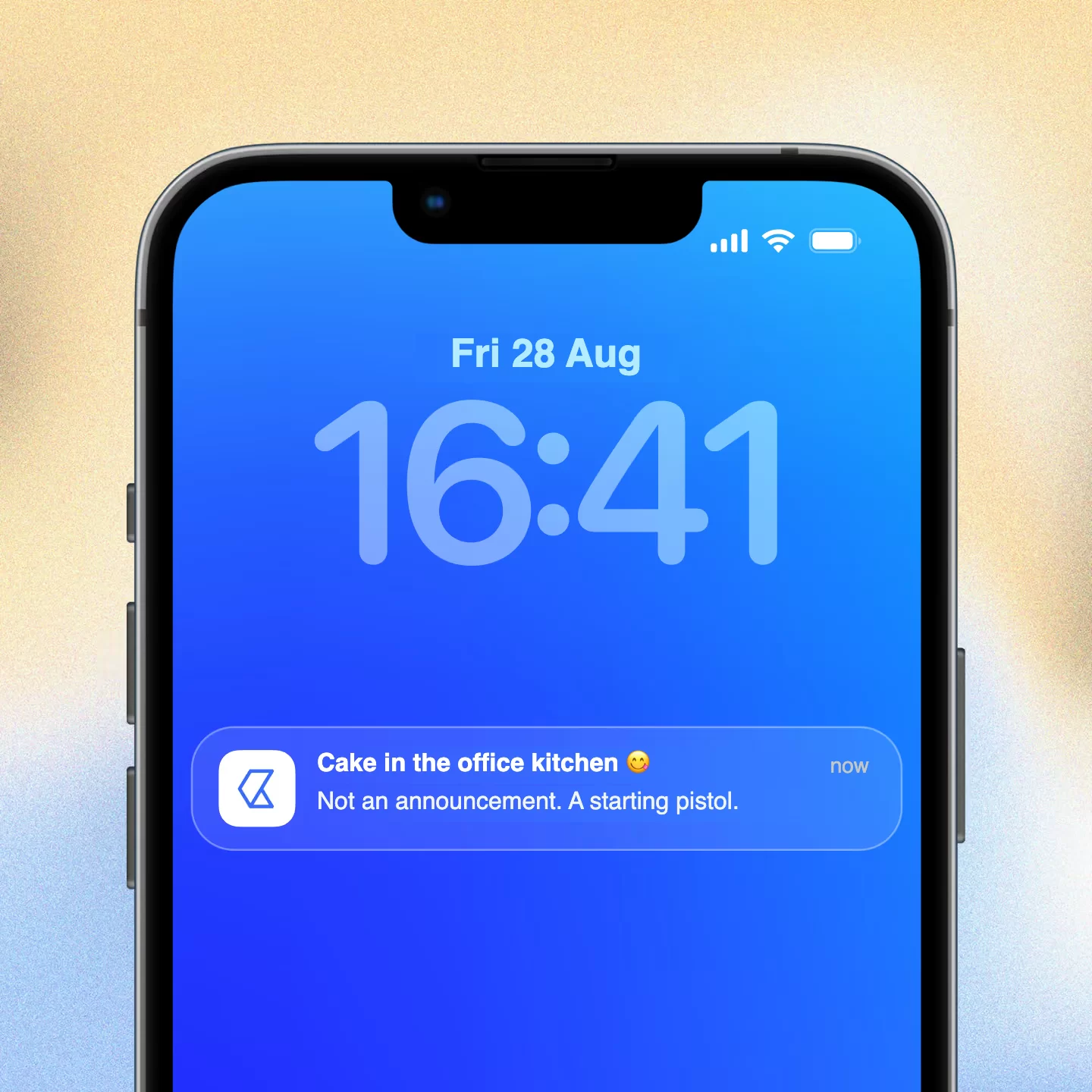
Kolay IK guides you step by step, from content to timing. You prepare the content, choose the audience and channels, preview it and send it. No technical knowledge or preparation needed.
Prepare your announcement with a title, text and images.
Choose the whole company or a filtered audience.
Email, Feed and push notification.
Check how it will look on every channel.
Send it now or plan it for later.
Select your audience, choose your channels, and send immediately or schedule for later. Kolay IK turns announcements into a simple flow, so you can reach the whole company in minutes.
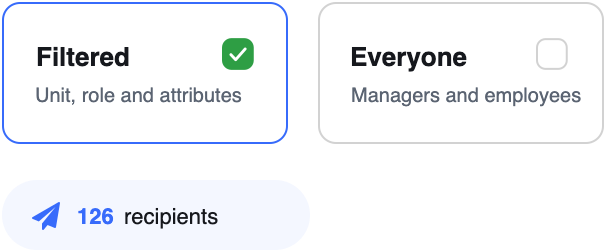
Send it to the whole company or to an audience you define by department, role or custom attributes.
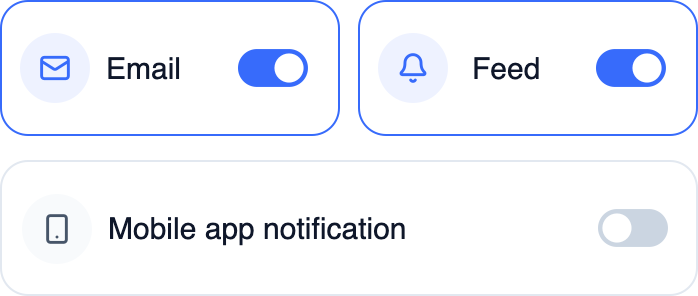
Select email, push notification, Feed or all three, and recipients hear about it on every channel you choose.
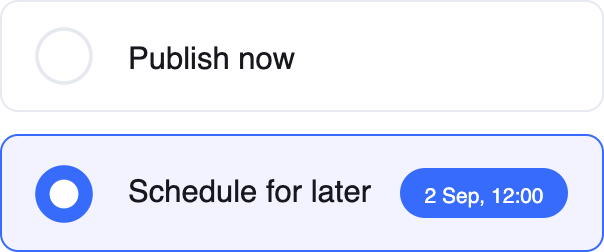
Publish straight away or set a date and time, and Kolay IK sends it on time.
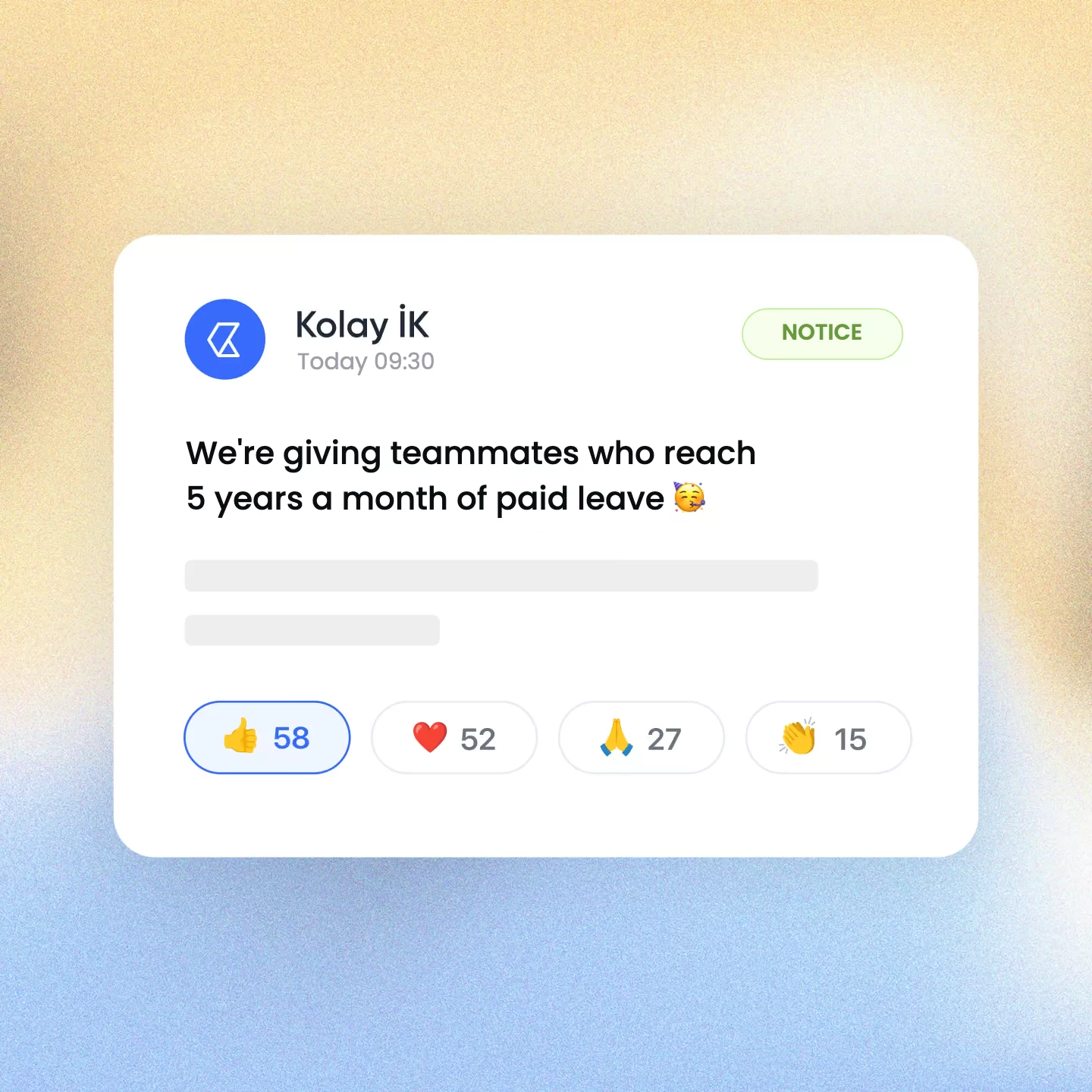
Employees see the announcements sent to them in the Kolay IK Feed and can revisit them at any time. Enable push notifications so announcements arrive on their mobile device immediately. Employees can react with a fixed set of emojis, so internal communication becomes two-way and people respond quickly.
TRY IT FREE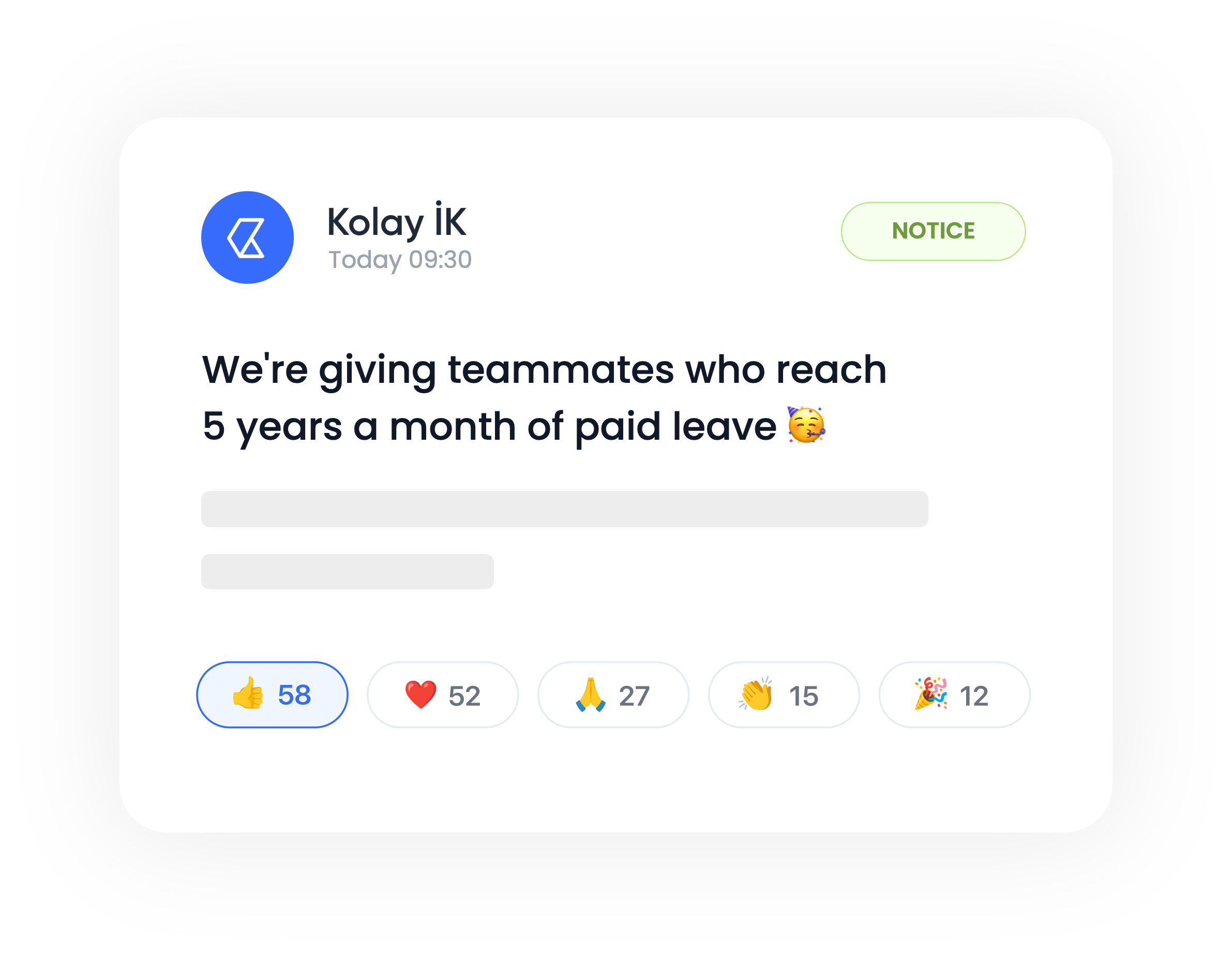
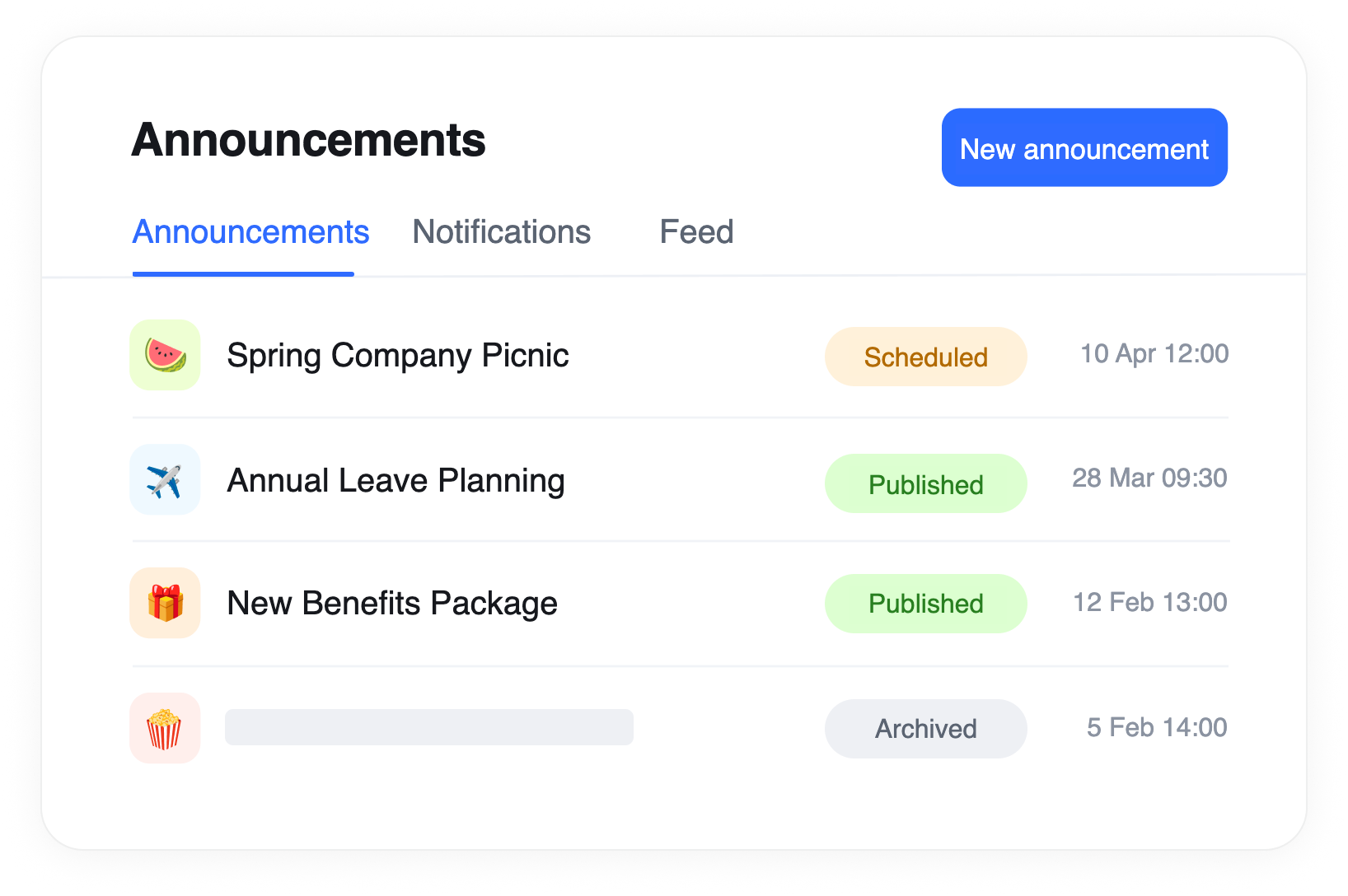
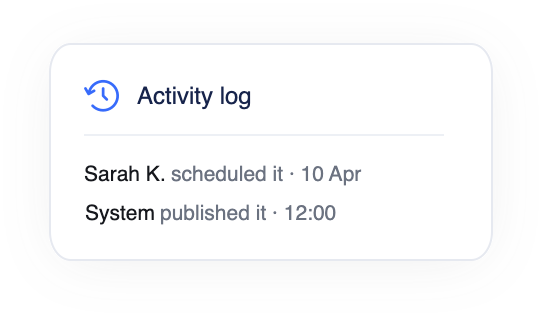
Track published and scheduled announcements from a single list. Open any announcement, reuse an existing one as a template, archive it or delete it. Give each one a type, such as information, warning, event, celebration, action required, HR process or policy update, so employees can tell at a glance what needs action. Publishing, scheduling and archiving are all logged, so you can see who did what and when.
Categorise announcements by purpose, including information, warning, event, celebration, action required, HR process and policy update. Employees can then tell straight away what is for information and what needs action.
Share the summer picnic, a team dinner or the office tournament in one announcement.
Make sure nobody misses the payroll deadline, the last day of a training course or a survey closing date.
Announce a new leave policy, benefits and procedure changes from one place.
Give people advance notice of an office move, car park changes or new shuttle bus times.

Celebrate birthdays, work anniversaries and new joiners as a team.

Get weather warnings, system outages and security alerts out straight away.
Preview how your announcement will appear across the Web Feed, mobile app, email and push notifications on a single screen before publishing. When you're happy with it, publish straight away or schedule it for a later date and time. Scheduled announcements go out automatically, with nothing more for you to do.


Join Kolay IK today and send your announcements from one place to the right people on the right channel. No setup or credit card required.
TRY 15 DAYS FREETry our employee management software free for 15 days. No setup, no credit card required.
No. You can send it to the whole company or build a filtered audience by department, access role, attributes and custom fields. Before sending, you can also see how many people it will reach.
Choose one or more of email, the Kolay IK Feed and push notification. Recipients are notified on every channel you choose.
Yes, through the email channel. You can attach up to five files (25 MB in total) in PDF, Word, Excel, PowerPoint, image or zip format.
Yes. Employees can react with a fixed set of emojis, which turns announcements into two-way communication.
Yes. Publishing, scheduling and archiving are all logged, so you can track who did what and when.